 Paperle
Think of it,
stick it on your desktop.
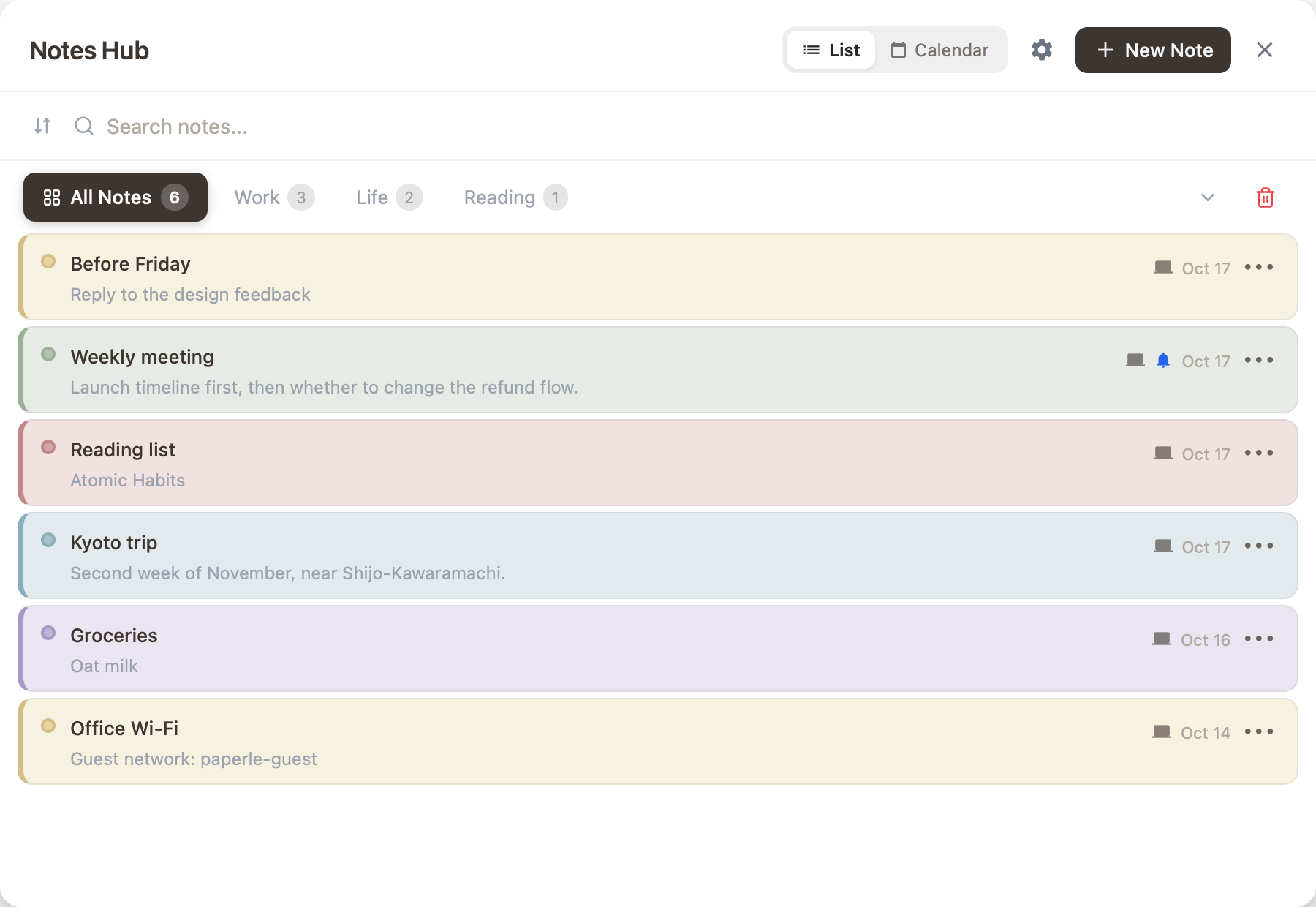
Paperle is a calm sticky notes app. To-dos, reminders and quick notes stay where you can see them.
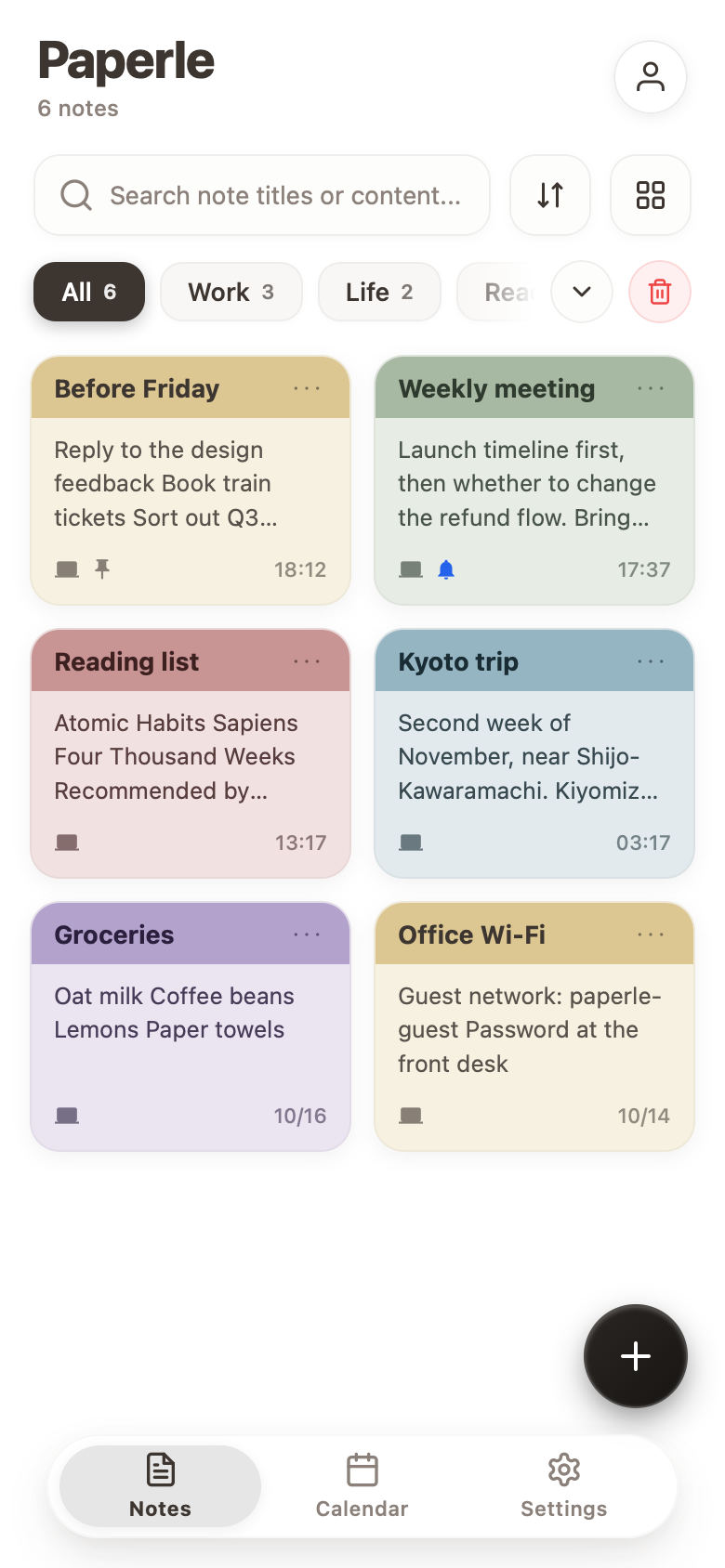
Open and write
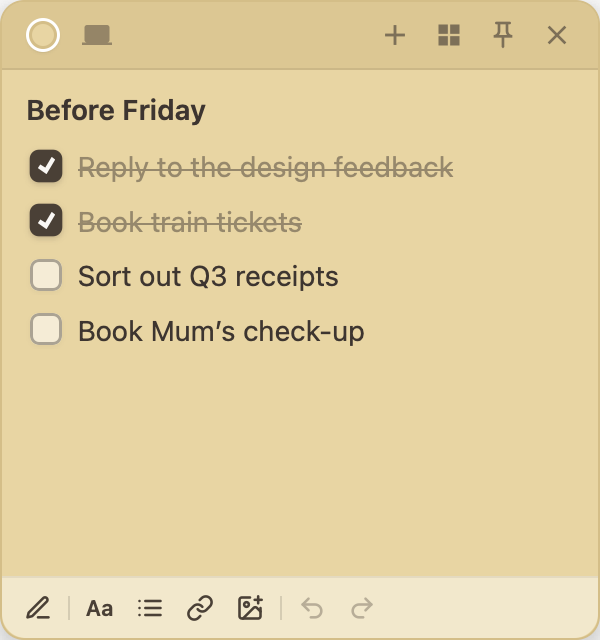
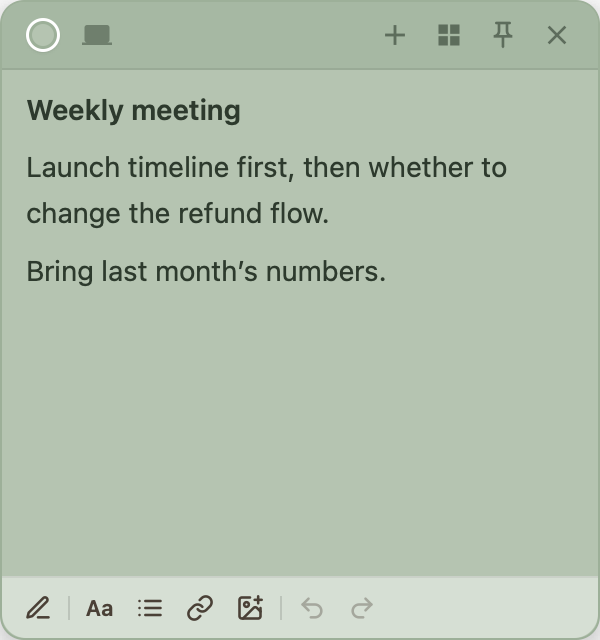
Press Alt+N for a new note. Write, leave it there. No saving, no folders.
Reminders on time
Give a note a time and your computer or phone reminds you. Repeat daily or weekly if you like.
On your computer and phone
What you write on your computer is on your iPhone too. Home-screen widgets show notes without opening the app.
Not using it?
Tuck it into the edge.
Too many notes in the way? Drag one to the left or right edge of the screen and it folds into a small tab showing the first few letters of its title.
- Drag a note to the left or right edge
- It folds into a small tab on the side
- Click to open it, or pull the tab away from the edge
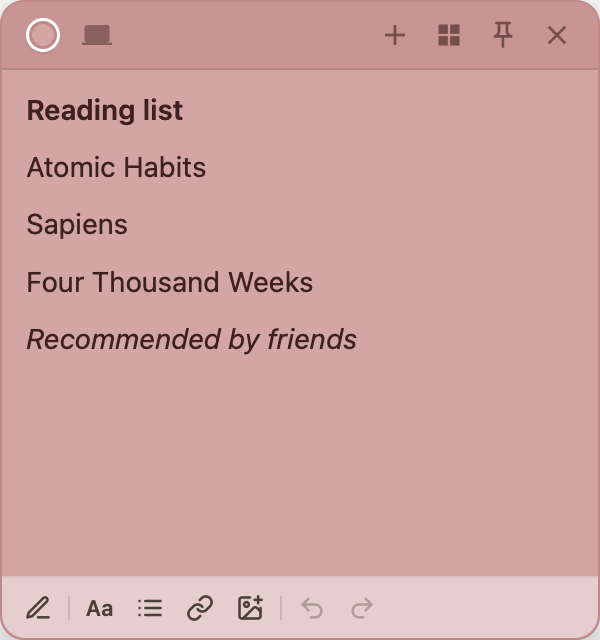

Every button has a job.
The top bar is for the note itself; the bottom bar is for writing and arranging. Hover over a button to see what it does.
- 1ColorNote colors, gradients and custom colors
- 2Sync statusA cloud note, or kept on this computer only
- 3New noteOr press Alt+N
- 4Notes hubAll notes, categories, search and calendar
- 5ShareInvite others to edit together
- 6ReminderAt a set time, or daily or weekly
- 7Privacy lockLock with a PIN so others cannot read it
- 8Pin on topStays above other windows
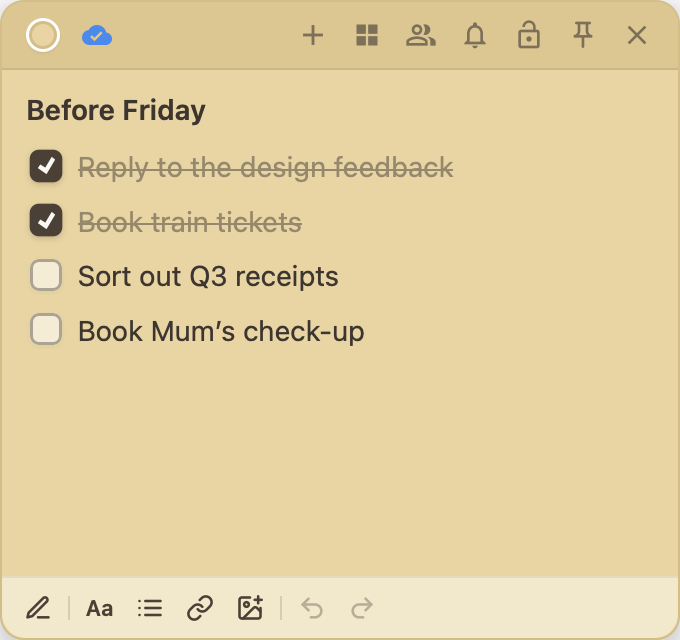 91011121314
- 9DrawSketch or circle things right on the note
- 10Text formatBold, italic, size, line spacing and highlight
- 11ListsBullets, checklists, quotes and code
- 12LinkTurn text into a clickable link
- 13InsertImages, voice memos or videos
- 14Undo and redoStep back whenever you need to
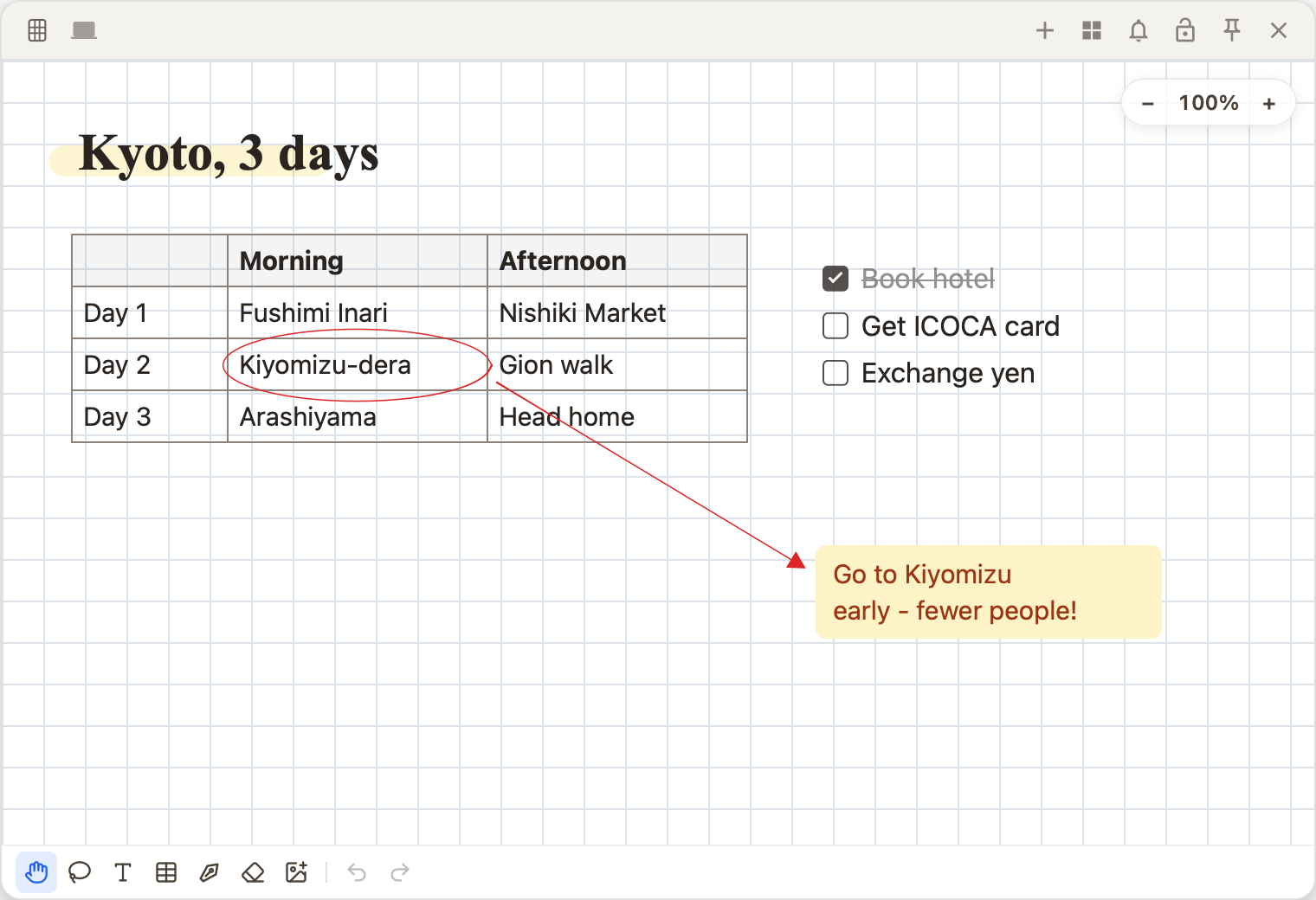
Canvas notes
Need more room? Turn a note into a whole canvas: place text, tables, images and handwriting anywhere, with space that keeps going. The free plan includes 3; PRO has no limit.
- Four papers
- Blank, dotted, grid and lined
- Pens and highlighters
- Fountain, ballpoint and brush pens; highlighters go under the text
- Shape correction
- Wobbly lines become straight lines or shapes when you pause
- Tables
- Add a table with a click, then change rows, columns and fill
- Lasso
- Circle things to move, resize or rotate them
- Export
- Save as a PNG image or a PDF
When you head out,
it is in your pocket.
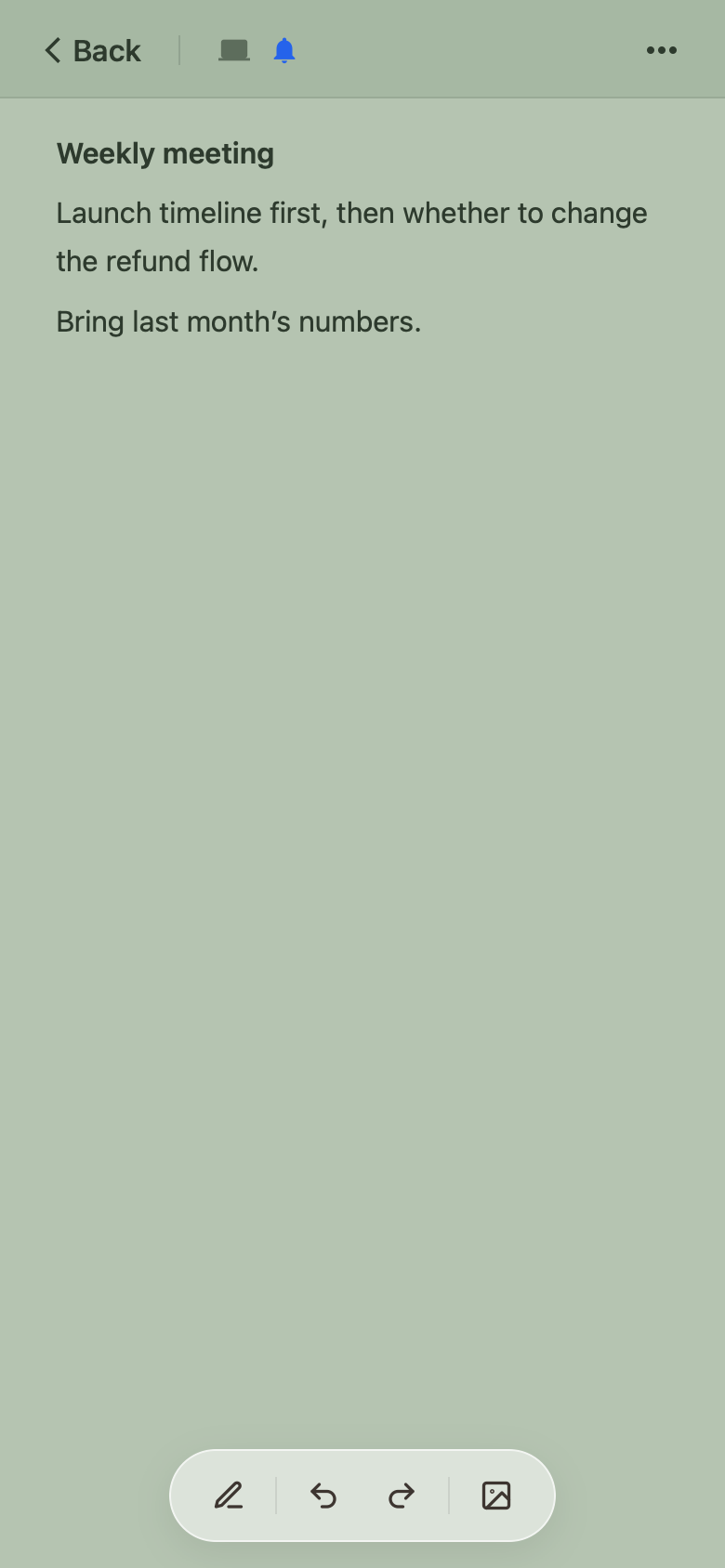
Paperle on iPhone syncs with your computer. Put a to-do list or a note in a home-screen widget and see it without opening the app.
Your notes,
in your own space.
Notes are stored on your device first. Turn on sync and they go to a Paperle-only folder in your Google Drive; Paperle cannot see any of your other files.
Only notes you choose to share pass through our server, so members can edit them together in real time. They are deleted when you stop sharing.
Read the Privacy Policy →Free to use.
Upgrade when you need it.
- Unlimited local notes
- Sync 3 notes to the cloud (text and photos)
- 3 canvas notes
- Join notes others share
- Calendar, to-dos and widgets
- Unlimited cloud sync
- Unlimited canvas notes
- Share notes and manage members
- Reminders and alarms
- Privacy lock
- Voice memos and videos
- Gradients and custom colors
Prices in US dollars; upgrade inside the app. When you subscribe on iPhone through the App Store, the price shown in the App Store applies.
FAQ
Anything else? Email us at support@paperle.site
Can I use Paperle without signing in?
Yes. Creating, editing and organizing local notes needs no account. You only sign in, with Apple or Google, for cloud sync, sharing and buying PRO.
Can Paperle see the files in my Google Drive?
No. Paperle only asks for access to its own app folder in Google Drive. It can read and write the note data it created there and nothing else.
Where are shared notes stored?
Shared notes are stored on our server (Cloudflare) so members can edit them together in real time. Only people you invite who accept can open them, and viewers cannot make changes. When you stop sharing, the server copy is deleted.
How is subscribing on iPhone different from the computer?
On iPhone you pay through the App Store and manage or cancel in your Apple Account subscription settings. On the computer you pay through Polar. Either way, PRO belongs to your Paperle account and works on all your devices.
Is there a free trial?
Yes. Every account gets a 1-month free trial the first time it subscribes to PRO, monthly or yearly. You need a payment method to start, and you will not be charged if you cancel during the trial. On iPhone the trial comes from the App Store, and Apple decides who is eligible.
What happens when I cancel?
Canceling stops the next renewal. PRO keeps working until the end of the current period. Voice memos and videos you recorded stay; you just cannot add new ones after it ends.
Which devices are supported?
The desktop app runs on Windows 10 and 11 (64-bit). The iPhone and iPad app is coming to the App Store soon. Notes sync between devices on the same account.
Keep your next idea
where you can see it.
Download Paperle for free and make your desktop simple again.